
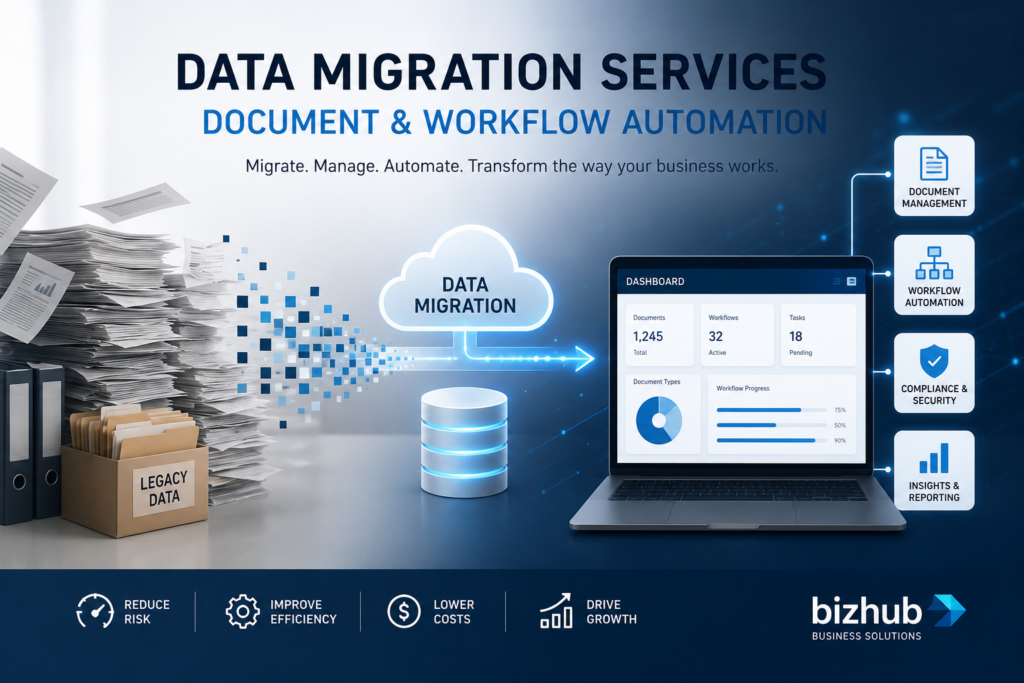
How to Automate Document Processing and Approval Workflows
Modern businesses generate thousands of documents every year. Contracts, invoices, forms, reports, approvals, and customer records all require processing, review, and storage. When these tasks rely on manual handling, delays, errors, and compliance risks can quickly impact productivity.
One of the most effective ways to streamline operations is through workflow automation combined with professional data migration services. By moving business data into modern platforms and automating approvals, organisations can reduce administrative work, improve accuracy, and accelerate decision-making.
Businesses that still rely on legacy systems often discover that workflow automation begins with organising and migrating their existing data. Whether you’re planning a digital transformation project or a Microsoft Access database upgrade, modern automation tools can significantly improve efficiency across your organisation.
At Biz Hub, we help businesses modernise their systems through tailored workflow solutions, database upgrades, and data migration services, creating a foundation for long-term operational success.
What Is Document Processing Automation?
Document processing automation is the use of software to manage documents throughout their lifecycle with minimal human intervention.
This includes:
- Capturing documents
- Extracting information
- Routing documents to the correct people
- Managing approvals
- Storing records securely
- Tracking workflow status
Instead of manually emailing files between departments, automated systems move documents through predefined workflows.
Definition
Document processing automation is the digital management of documents and business processes using rules, workflows, and automated actions.
The goal is to reduce repetitive administrative tasks while improving speed and accuracy.
Why Are Manual Approval Workflows Inefficient?
Many organisations still rely on manual processes such as:
- Email approvals
- Printed forms
- Spreadsheet tracking
- Shared network folders
- Manual data entry
These methods often create bottlenecks.
Common challenges include:
- Lost documents
- Approval delays
- Duplicate data entry
- Human error
- Limited visibility
- Compliance risks
As businesses grow, these issues become increasingly costly.
This is why many organisations invest in data migration services before implementing workflow automation platforms.
How Do Data Migration Services Support Workflow Automation?
Successful workflow automation starts with reliable and accessible data.
Many businesses store critical information across multiple systems, including:
- Legacy databases
- Microsoft Access applications
- Excel spreadsheets
- Shared drives
- On-premise servers
Professional data migration services help consolidate this information into modern business systems.
The process typically includes:
- Data assessment
- Data cleansing
- Data mapping
- Data migration
- System integration
- Validation and testing
Without quality data, automated workflows cannot function effectively.
This is why data migration services are often the first step in digital transformation projects.
What Role Does a Microsoft Access Database Upgrade Play?
Many organisations still rely on Microsoft Access databases that were built years ago.
While these systems may continue to function, they often create limitations when businesses attempt to automate workflows.
A Microsoft Access database upgrade can provide:
- Better scalability
- Improved security
- Cloud accessibility
- Enhanced reporting
- Workflow integration capabilities
- Reduced maintenance requirements
Modern platforms can connect directly with approval systems, document management solutions, and business intelligence tools.
Businesses frequently combine a Microsoft Access database upgrade with data migration services to ensure a smooth transition without losing valuable historical data.
What Documents Can Be Automated?
Almost any business document can be automated.
Examples include:
Financial Documents
- Invoices
- Purchase orders
- Expense claims
- Payment approvals
Human Resources Documents
- Leave requests
- Employee onboarding forms
- Performance reviews
- Policy acknowledgements
Operations Documents
- Work orders
- Maintenance requests
- Incident reports
- Compliance records
Customer Documents
- Contracts
- Service agreements
- Application forms
- Support requests
With the right system and data migration services, these documents can move automatically through approval stages.
How Does an Automated Approval Workflow Work?
A typical workflow follows several steps.
Step 1: Document Submission
A user uploads or creates a document.
Step 2: Automated Validation
The system checks required information.
Step 3: Routing
The document is sent to the appropriate approver.
Step 4: Approval Actions
Approvers receive notifications and review requests.
Step 5: Final Processing
Once approved, actions are automatically triggered.
Examples include:
- Creating records
- Sending notifications
- Updating databases
- Generating reports
When supported by reliable data migration services, all information remains synchronised across systems.
What Are the Benefits of Automating Document Processing?
Businesses that automate workflows often experience significant operational improvements.
Faster Processing Times
Documents move quickly between departments.
Reduced Human Error
Automation removes repetitive manual entry tasks.
Improved Visibility
Managers can monitor workflow status in real time.
Better Compliance
Every action is recorded and auditable.
Enhanced Customer Experience
Faster internal processes lead to faster customer responses.
Lower Operating Costs
Staff spend less time on administrative tasks.
Many organisations find that data migration services provide the foundation necessary to achieve these benefits.
How Can Businesses Prepare for Workflow Automation?
Preparation is essential for a successful implementation.
Audit Existing Processes
Identify:
- Current workflows
- Bottlenecks
- Manual tasks
- Duplicate processes
Assess Existing Data
Review:
- Data quality
- Data ownership
- Storage locations
- Security requirements
Plan System Integrations
Determine how systems will communicate.
Modernise Legacy Applications
Consider whether a Microsoft Access database upgrade or other legacy application migration is required before automation begins.
Work with Experienced Specialists
Professional data migration services help minimise risk and ensure business continuity.
Why Is Data Quality Important for Workflow Automation?
Poor data creates poor outcomes.
Examples include:
- Incorrect approvals
- Duplicate records
- Missing information
- Reporting inaccuracies
Before automating workflows, businesses should ensure their data is:
- Accurate
- Complete
- Consistent
- Current
- Secure
Professional data migration services often include data cleansing and validation to improve data quality before automation is introduced.
Why Choose Biz Hub for Workflow Automation Projects?
Biz Hub specialises in helping organisations modernise business processes through tailored technology solutions.
Our team understands the challenges businesses face when transitioning from legacy systems to modern platforms.
We provide:
- Workflow automation consulting
- Business process optimisation
- Database modernisation
- Microsoft Access database upgrade services
- System integration support
- Professional data migration services
By combining technical expertise with practical business knowledge, Biz Hub helps organisations reduce complexity and improve operational efficiency.
Real-World Example
Imagine a company processing hundreds of supplier invoices each month.
Previously, invoices were:
- Received by email
- Printed manually
- Reviewed by multiple departments
- Approved through email chains
- Entered into accounting software manually
After implementing automation and data migration services, the process becomes:
- Invoice received automatically
- Data extracted instantly
- Routed to appropriate approvers
- Approved digitally
- Recorded automatically
- Stored securely for auditing
The result is faster processing, fewer errors, and greater visibility.
The Future of Document Workflow Automation
As businesses continue to digitise operations, workflow automation is becoming a standard requirement rather than a competitive advantage.
Emerging technologies are making automation even more powerful through:
- Artificial intelligence
- Machine learning
- Intelligent document recognition
- Predictive analytics
- Cloud-based workflow platforms
Businesses that invest in modernisation today will be better positioned to adapt and scale in the future.
With strong foundations built through data migration services and strategic system upgrades, organisations can unlock greater efficiency across every department.
Frequently Asked Questions
What are data migration services?
Data migration services involve transferring data from legacy systems, databases, spreadsheets, or applications into modern platforms while maintaining accuracy, security, and integrity.
Why is a Microsoft Access database upgrade important?
A Microsoft Access database upgrade helps businesses improve scalability, security, reporting capabilities, and integration with modern workflow automation systems.
What types of workflows can be automated?
Common workflows include invoice approvals, employee onboarding, leave requests, contract management, purchase orders, and customer service processes.
How long does a data migration project take?
Project timelines vary depending on data volume, system complexity, and business requirements. Smaller projects may take weeks, while larger migrations can take several months.
Can automation improve compliance?
Yes. Automated workflows create audit trails, standardise processes, reduce manual errors, and help organisations meet regulatory requirements more effectively.
Conclusion
Automating document processing and approval workflows can dramatically improve efficiency, accuracy, and visibility across your organisation. However, successful automation begins with reliable systems and clean, accessible data.
Through expert data migration services, database modernisation, and workflow automation solutions, Biz Hub helps businesses streamline operations and prepare for future growth.
If you’re looking to modernise legacy systems, complete a Microsoft Access database upgrade, or automate critical business processes, contact Biz Hub today and discover how smarter workflows can transform your organisation.